Understanding the Review Report
The Review tab: health score, provenance, benchmark flags, and the formula explorer.
What is the Review Report?
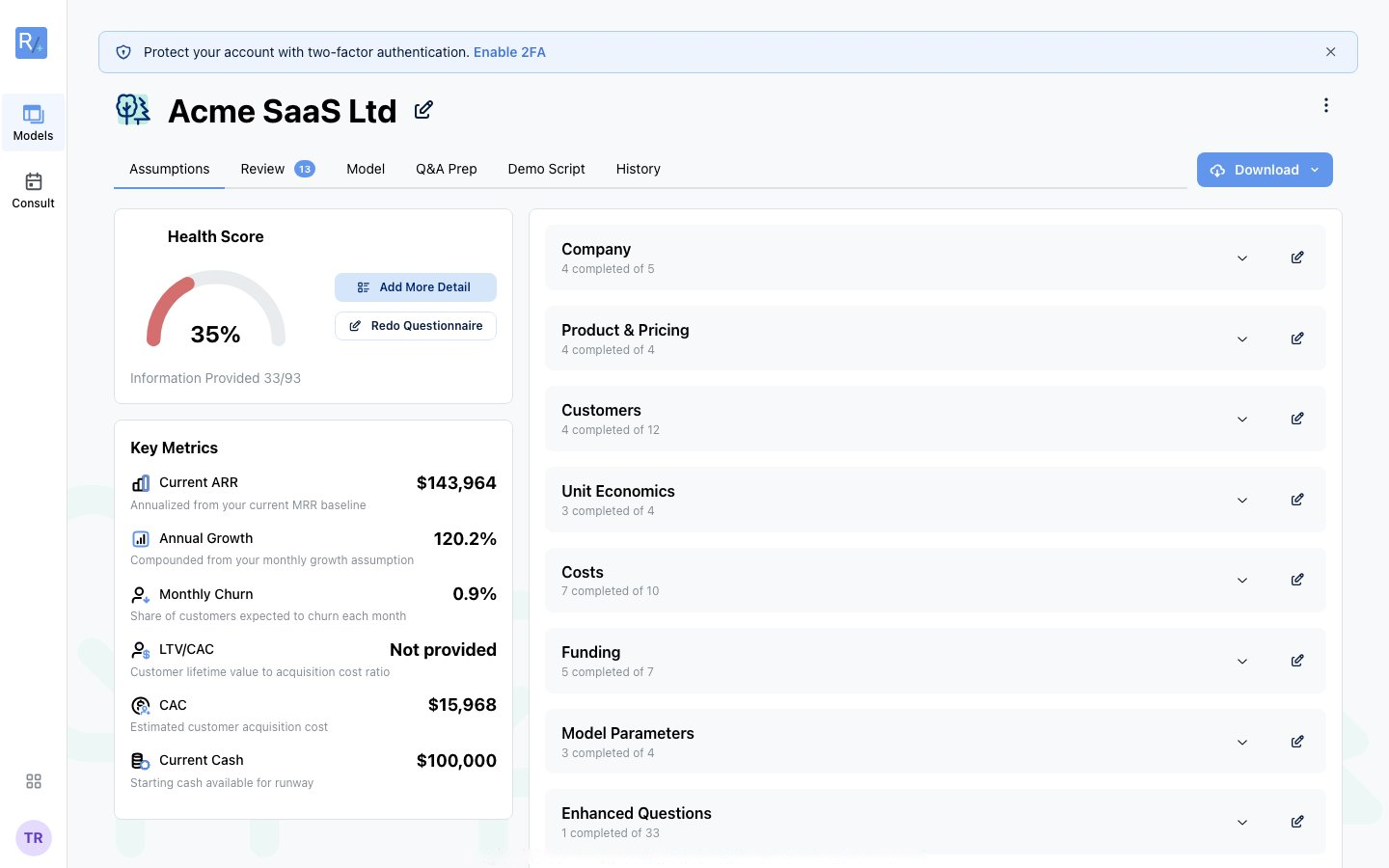
Every model gets an automated review - the Review tab - that checks whether your assumptions make sense. It runs deterministic checks (benchmark comparisons, consistency rules, impossible-input detection, and business-model-specific logic for your vertical) and summarizes the result as a Health Score from 0 to 100. Think of it as a seasoned CFO reviewing your numbers before an investor does.
It works for every business type, with checks tuned to each vertical. The free tier gets limited insights; the full report comes with Build It Yourself.
Whose Numbers Are These?
The report starts with provenance - how much of the model is yours:
 The "Whose numbers are these?" meter ("You've personalised 1 of 28 tracked assumptions") and "Defaults a VC will challenge first" - the high-impact assumptions still at their benchmark default.
- The personalisation meter splits tracked assumptions into Your data vs Benchmark defaults
- "Defaults a VC will challenge first" lists the high-impact assumptions still at their industry default - "review them before you pitch"
Assumption-to-Refine Tags
Wherever a value came from an industry default rather than from you, the model tags it as an assumption to refine:
 On the defensibility card, default-driven strengths are labelled "assumption to refine" - e.g. "Non-payroll S&M as % of Revenue: assumption to refine". The tag clears once you replace the default with your own number.
Defaults are good starting points - and honest labels. Investors ask "where did this number come from?", and the tags make sure you know which answers are still "an industry benchmark" rather than "our data".
The Health Score and the Formula Explorer
Severity Levels
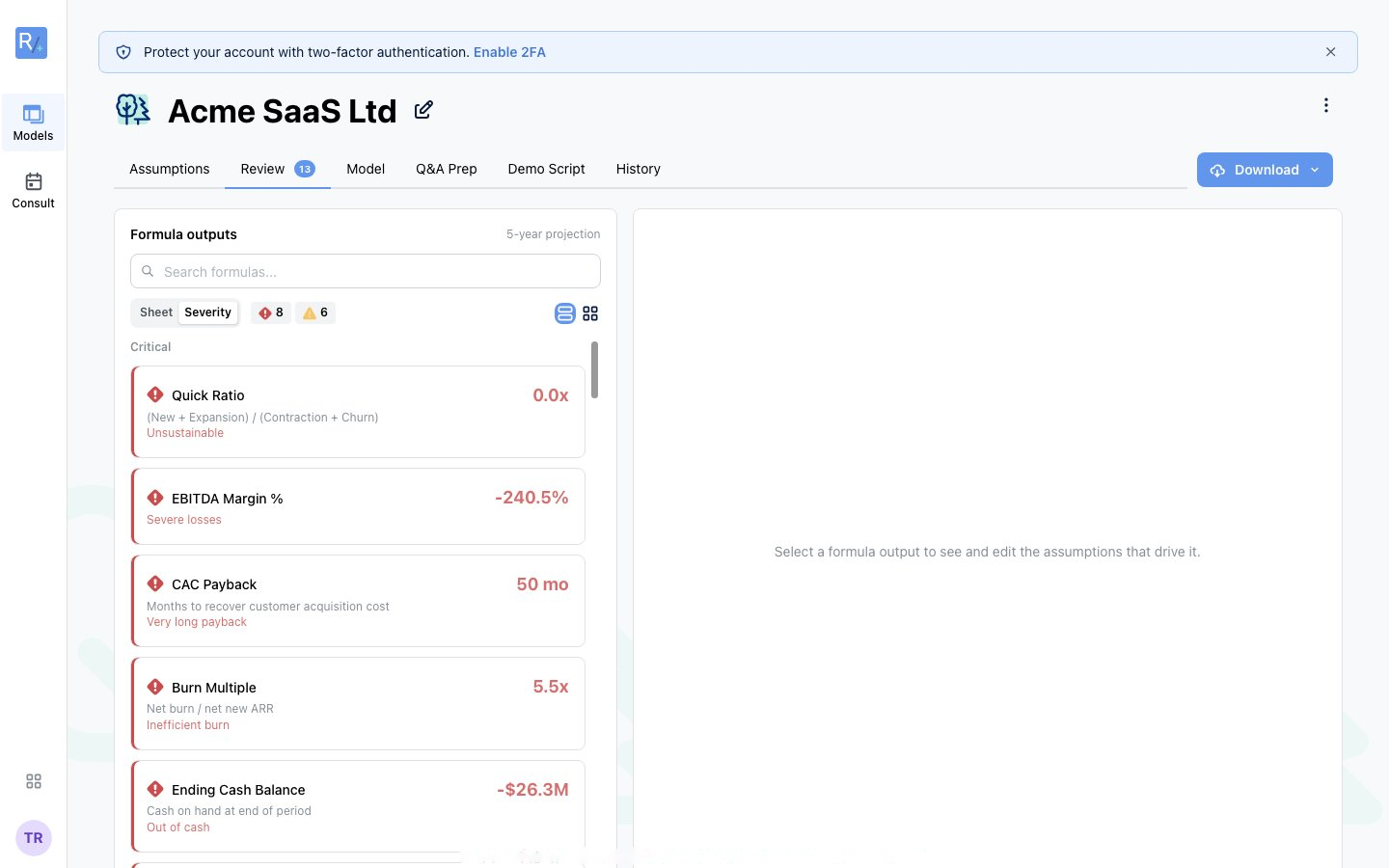
- Critical - plan-level problems, e.g. "Held funds coverage shortfall. In month 58, cash on hand ($291K) is below the seller funds held in trust ($382K)... The business would be financing itself with money owed to sellers."
- Warning - benchmark deviations, e.g. "Monthly GMV Growth Rate Below Benchmark - your value of 3.4% falls below the typical benchmark range (5.0% - 20.0%). Investors will likely flag this."
- Info / opportunities - observations and quick wins
Tracing a Number to Its Drivers
Click any formula output in the list and the right-hand panel shows the assumptions that drive it, editable inline - "Select a formula output to see and edit the assumptions that drive it." Fix the driver, and the flag clears on recompute. The search box and Sheet / Severity filters help in bigger models, and the trace hints point you at the single assumption that clears the most flags.
A Suggested Workflow
- Fix criticals first - they're credibility-enders in diligence
- Work the "defaults a VC will challenge" list - replace each with your real number (or consciously keep the benchmark, knowing you'll be asked)
- Then judge the warnings - deviation from benchmark isn't automatically wrong; being unaware of it is
- Re-run your eyes over the score - most models can't reach 100, and that's fine. The goal is knowing exactly why you sit where you sit.
Tip: The planning preview's defensibility card ("X things an investor will challenge" + Make it defensible) is the same engine in summary form - the button drops you straight into this tab.