Creating Your Account
Sign up with email, Google, or Microsoft, then verify and sign in.
How to Sign Up
Getting started with Radley Finance is quick and easy. You can create an account with your name and email address, or sign in with a trusted provider (Google or Microsoft).
Step 1: Visit the Sign-In Page
Navigate to the Radley Finance app. You'll be greeted with the sign-in page featuring:
- Our value proposition: "Build investor-ready financial models and forecasts for your startup"
- Three sign-in choices: Continue with email, Continue with Google, and Continue with Microsoft
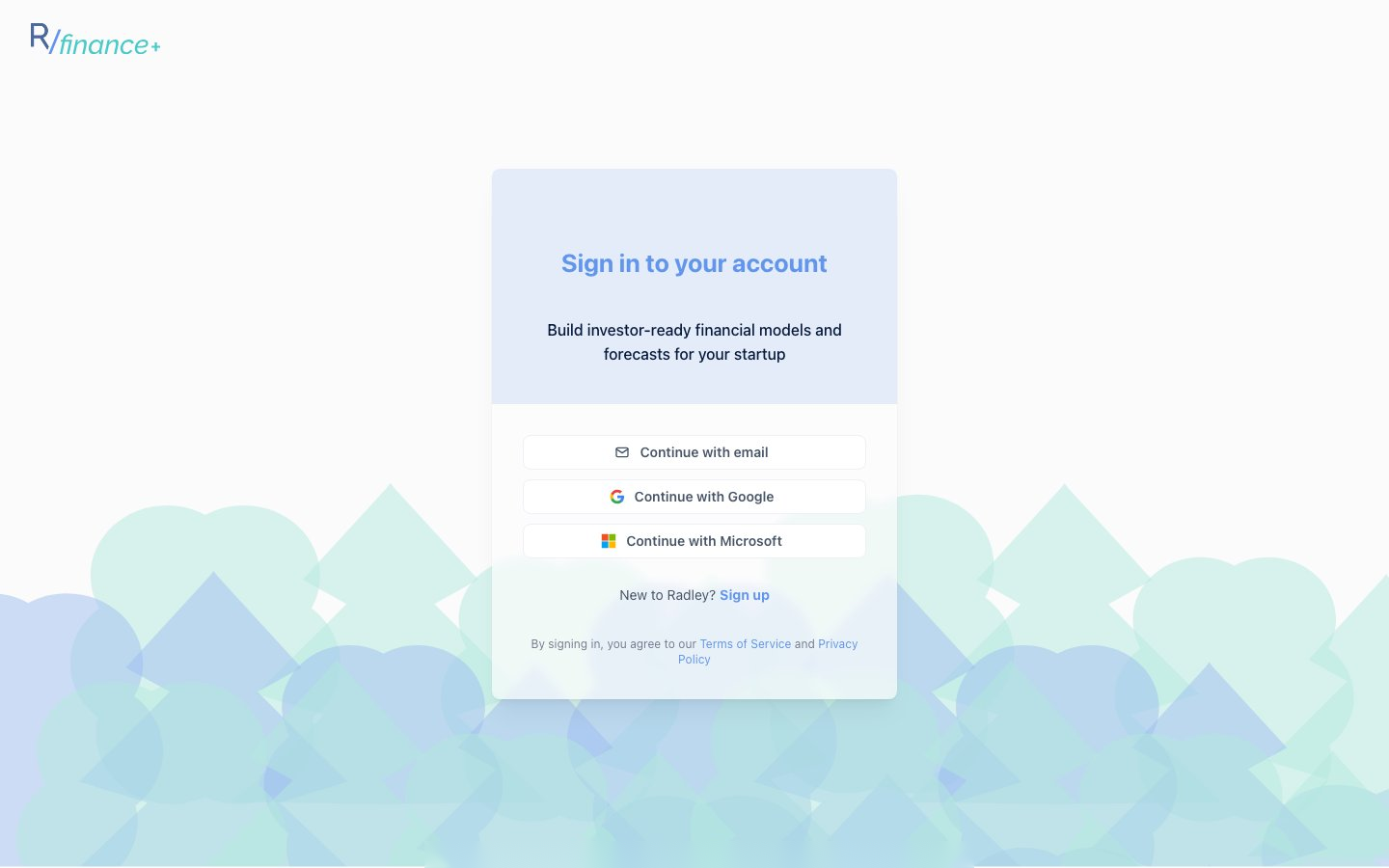 The sign-in page. New users click the "New to Radley? Sign up" link under the buttons.
If you're new, click the "New to Radley? Sign up" link to switch to account creation.
Step 2: Create Your Account
- Enter your Name and Email (use your work email - your company workspace is tied to it)
- Click Continue and follow the prompts to finish account creation
- Verify your email using the link Radley sends you
- Sign in - you'll be taken straight into onboarding
By signing in you agree to the Terms of Service and Privacy Policy, both linked from the sign-in screen.
Signing In With Google or Microsoft
Click Continue with Google or Continue with Microsoft and approve the request in the provider window. No separate password or email verification is needed.
Signing In Later
- Open the app and choose your sign-in method
- For email: click Continue with email, enter your email and password, and click Sign in
- You'll land on your Models Overview (or back in onboarding if you haven't finished it)
Trouble Signing In?
- Wrong password - Use the reset option on the email form
- No verification email - Check your spam folder, then request a new link from the verify-email screen
- Still stuck - Email support@radley.tax