Setting Up Your Company Profile
A short onboarding that sets your name, company, industry, and jurisdiction.
The Onboarding Process
After creating your account, you'll complete a brief onboarding to set up your company profile. It's six quick steps - one question per screen, with a progress indicator so you always know how far along you are. This information tailors your experience and feeds your financial models.
The Six Steps
1. Tell Us About Yourself
"Welcome to Radley Finance!" - enter your First name and Last name.
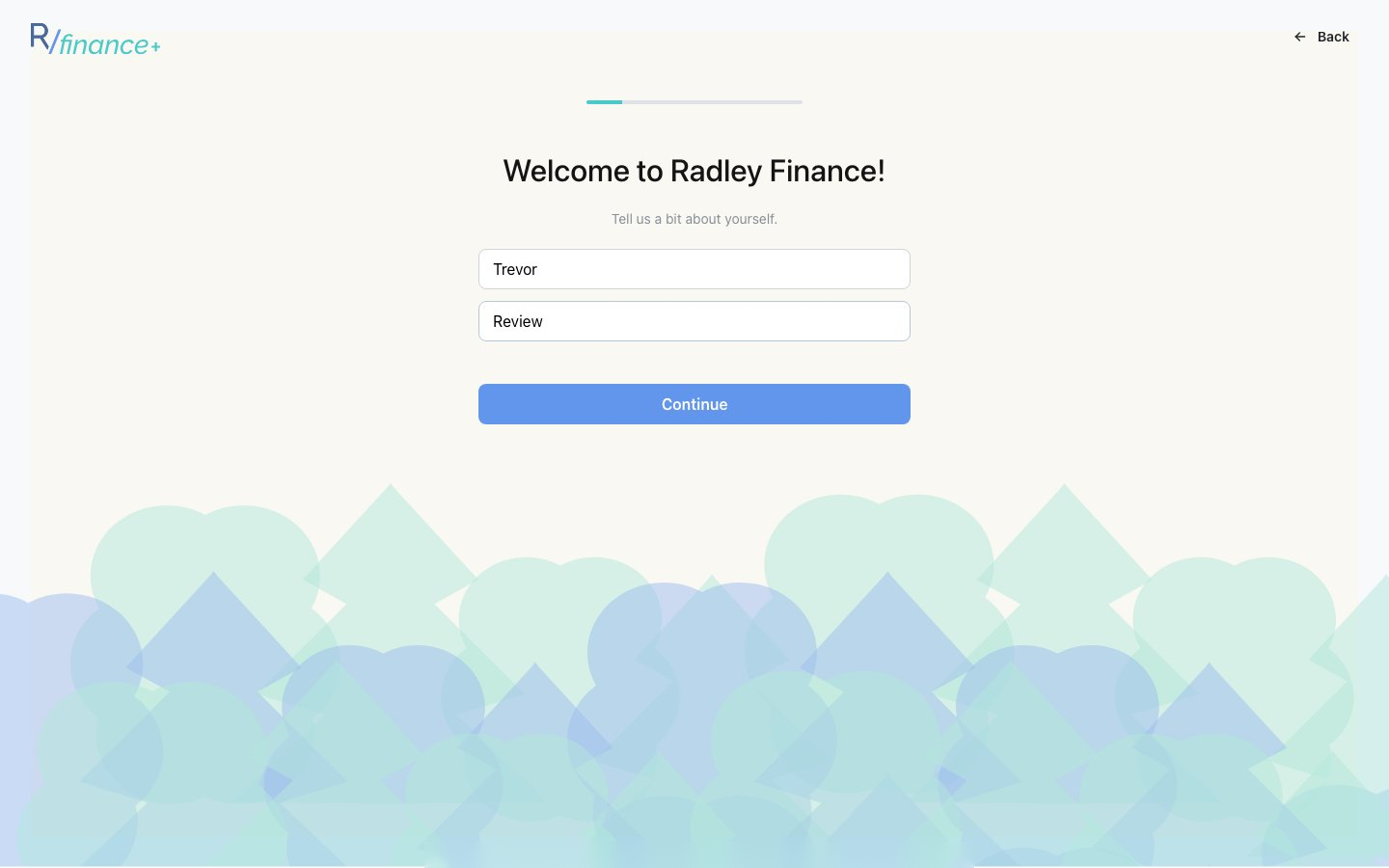 Step one asks for your name. Click Continue to advance; a Back button appears on later steps.
2. What's Your Role?
Describe what you do - e.g. CFO, Founder.
3. What's Your Company Name?
Enter your company name. You can rename it anytime in Settings.
4. What Kind of Business Are You Building?
Pick one of the five business types: SaaS, Marketplace, Ecommerce, Services, Hardware (or Other). We'll tailor your financial models to your business type.
5. Where Is Your Company Based?
Search or type a country / region. We use this country's currency in your models. You can change it anytime.
6. When Was Your Company Founded?
Pick from the recent years shown, or choose Other for older years, then click Complete setup.
After Onboarding
You'll see a "Company Setup Complete" confirmation and land on the Models Overview - your home page in Radley Finance:
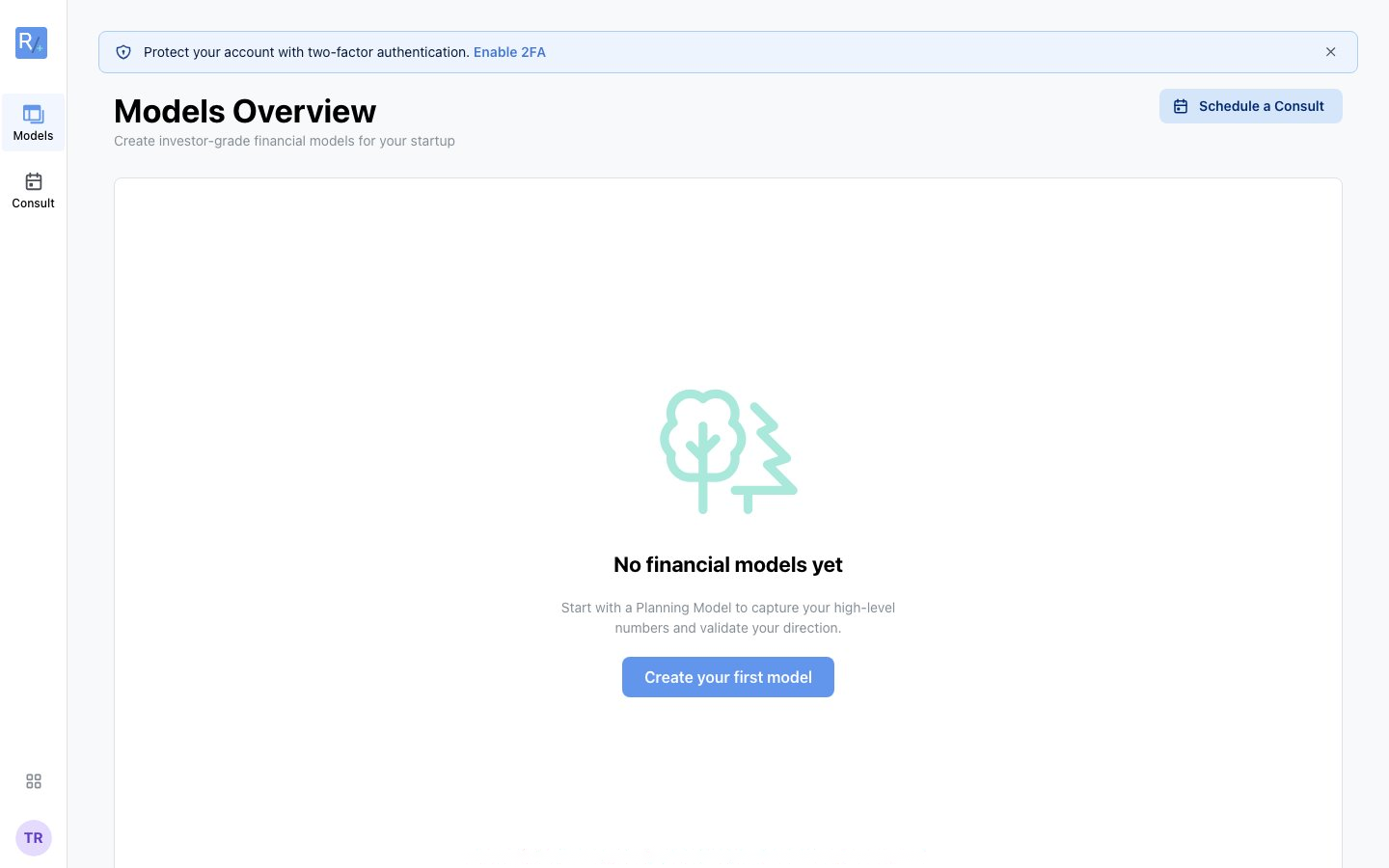 A fresh workspace. Click "Create your first model" to start the planning wizard - it's free.
Security tip: A banner invites you to Enable 2FA (two-factor authentication). You can do this anytime in Settings > Security - see Securing Your Account.
Changing These Details Later
Everything you enter during onboarding can be edited later in Settings:
- Name and role: Settings > Profile
- Company name, business type, jurisdiction, founded year: Settings > Company