Presenting Your Model
The investor deck and memo generated from your model.
Overview
A financial model is only as persuasive as your presentation of it. On Build It Yourself, Radley generates two presentation-ready documents from your model - the Investor Deck and the Investor Memo - plus the in-app prep tools (Q&A Prep, Rehearsal). This guide covers what each is for and how to use it well.
The Investor Deck (.pptx)
What It Is
A PowerPoint deck of finance slides generated from your model - the numbers, charts, and framing an investor expects from the financial section of a pitch. Download it from the Download menu on your investment model.
How to Use It
- Merge, don't send standalone - drop the finance slides into your main pitch deck; your product and team story stays yours
- Restyle freely - it's a normal .pptx; apply your brand template
- Regenerate after edits - the deck is a snapshot of your active version; re-download when the numbers change
The Investor Memo
What It Is
A written narrative of your model, structured the way investors think - available as an in-app tab and as a .pdf download. It's built directly from your model's numbers and regenerates as your model changes.
 The Investor Memo tab: the thesis, then assumptions and their rationale - each with its benchmark context - then bottom-up unit economics.
It covers:
- The thesis - the core argument, in numbers ("...earns the assumptions behind the numbers, where each one came from, and what has to be true for the plan to hold")
- Assumptions and their rationale - each key assumption with the benchmark or reasoning behind it
- Unit economics, bottom-up - the per-unit story investors will rebuild themselves
- Use of funds, milestones, and downside - what the raise buys and what happens if things go slower
How to Use It
- Read it as the narrative spine of your pitch - it's the story your numbers tell
- Send it ahead of a partner meeting when a deck feels too thin and a workbook too heavy
- If a paragraph reads wrong, fix the assumption behind it - the memo regenerates
Presenting Live: A Playbook
- Lead with the shape - "GMV grows to $18.8M by Year 5 at a 15% take rate" - before any sheet is opened
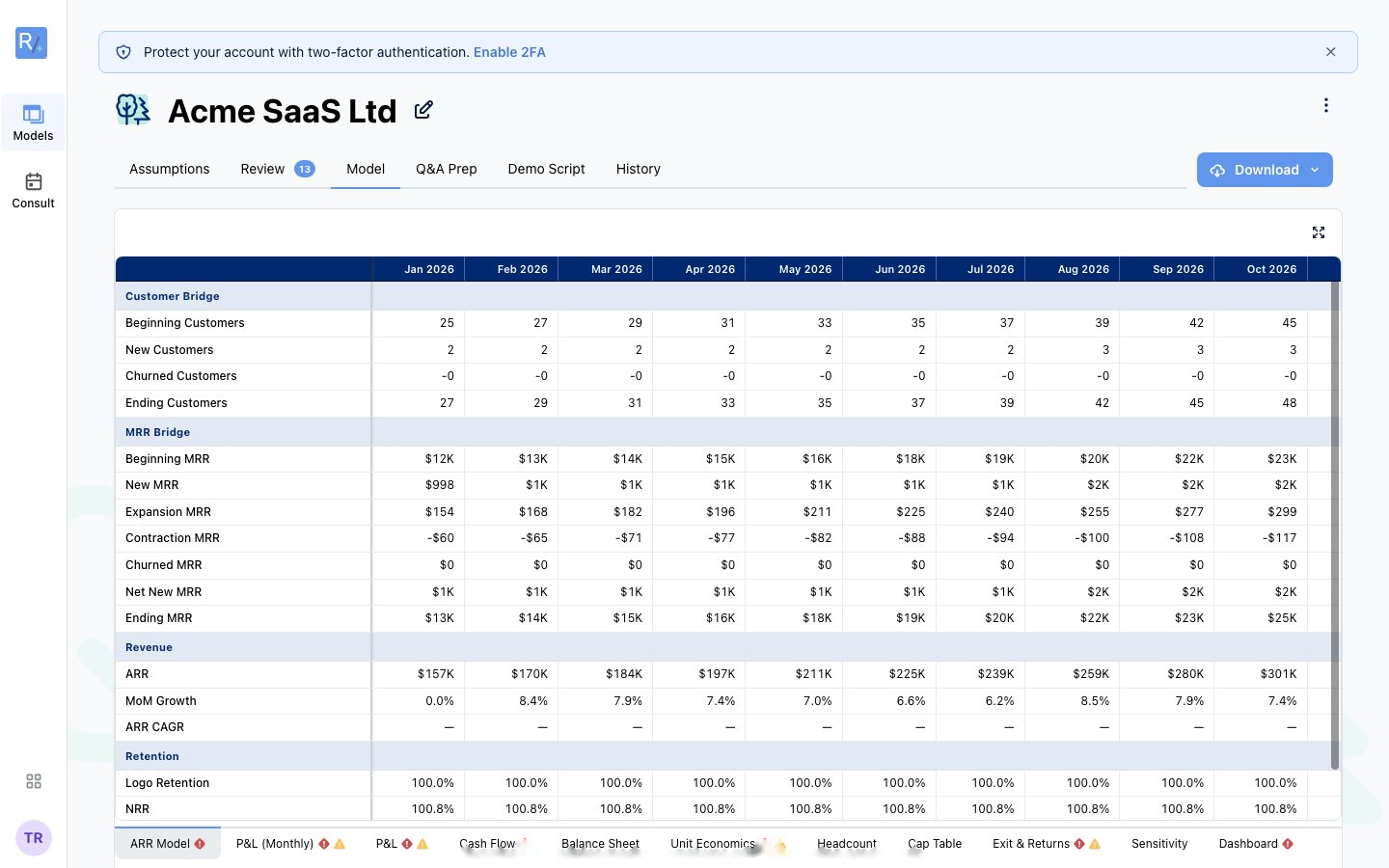
- Drive from the in-app grid - Core view is built for the raise conversation; switch to All sheets only when asked
- Use the scenario switcher live - flipping Conservative/Base/Aggressive in front of an investor shows confidence in the machine, not just the story
- Know your Q&A Prep - the hard questions in the room are usually already in the tab
- Never present numbers you haven't rehearsed - that's what Rehearsal is for