Troubleshooting
Quick fixes for the most common issues — and how to reach support.
Troubleshooting
| Symptom | Try this |
|---|---|
| Download doesn't start | Check your popup blocker, try another browser, refresh and retry. |
| A tab fails to load (e.g. "Failed to load review insights") | Refresh the page; if it persists, note the message and email support. |
| Numbers look wrong in Excel | Confirm you're on the active model version and check which scenario is selected on the Assumptions sheet; re-download. |
| Xero numbers look wrong | Check your account mapping (the most common cause), review the data-quality flags, pull a fresh preview, and save again. |
| 2FA code rejected | Codes refresh every 30 seconds — use the current one, and check your phone's clock is set to automatic. |
| Stuck mid-wizard on validation | Look for the count of required fields remaining; the page scrolls to the first one. |
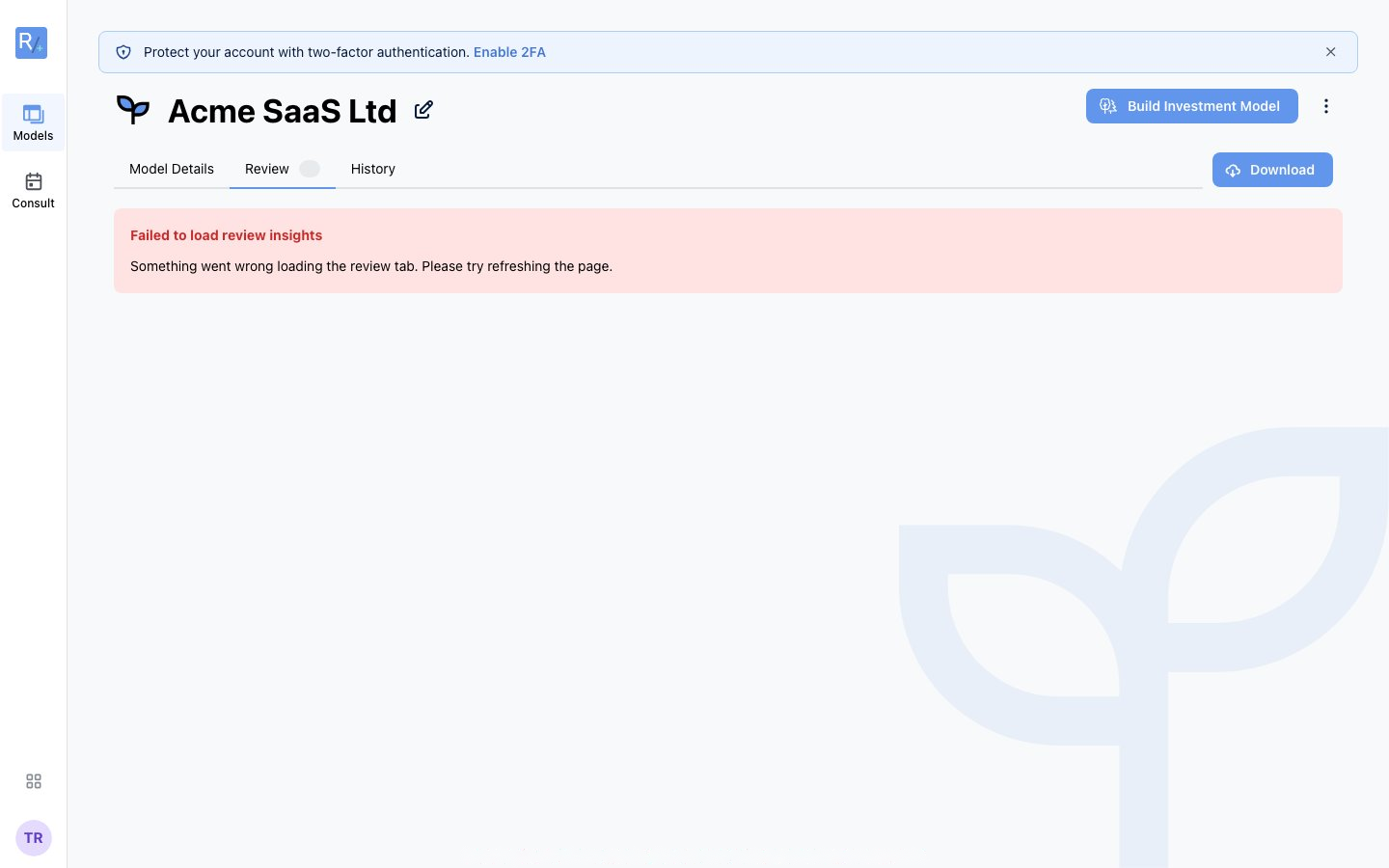 Figure 24: Transient load errors like this usually clear with a page refresh — contact support if they persist.
Still stuck? Email support@radley.tax — we usually respond within one business day.