Part 6: Exports & documents
Downloading the Excel model, the export gate, and using your outputs to fundraise.
Downloading your Excel model
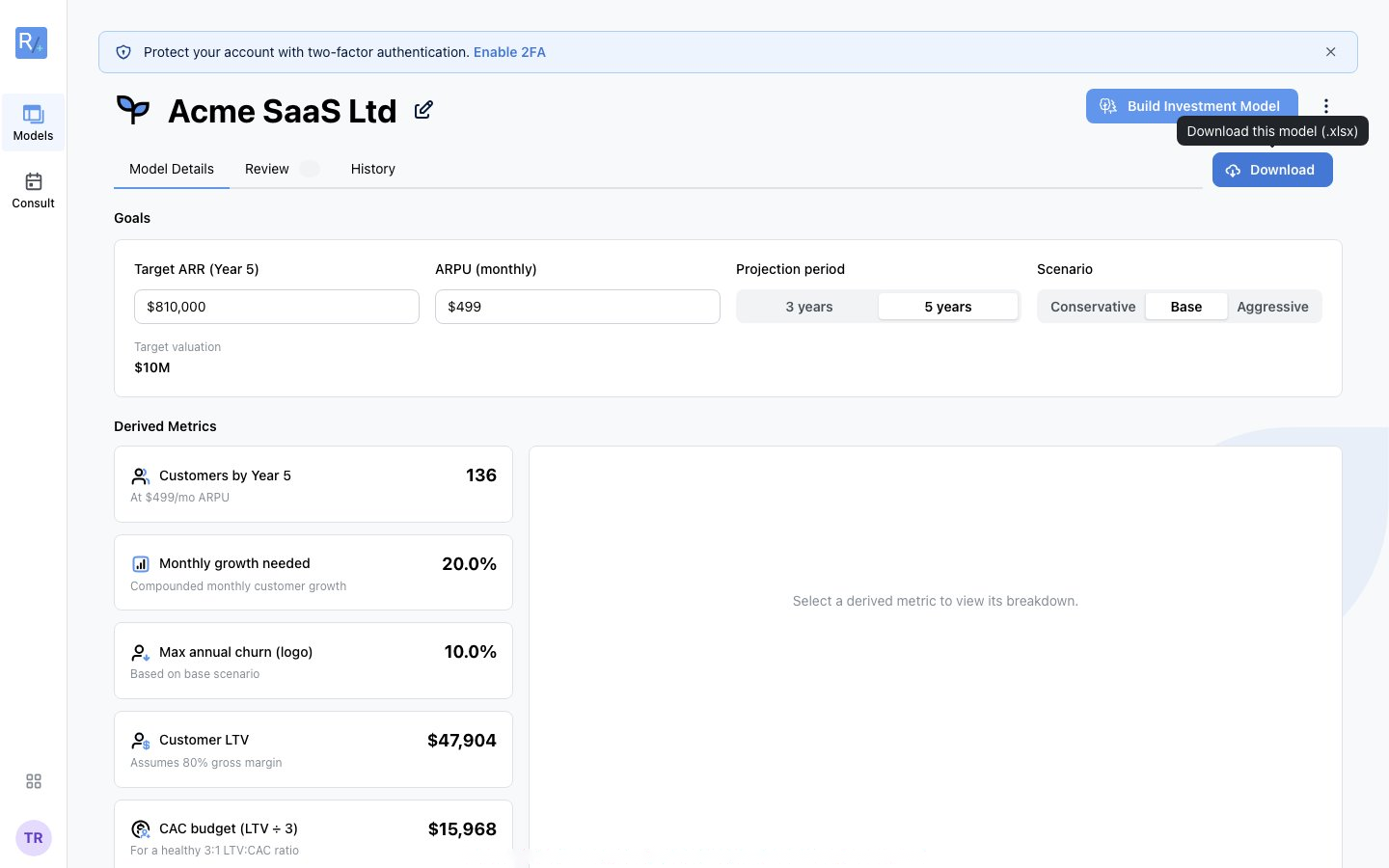 Figure 22: The Download button exports your model as .xlsx.
Every model (Planning and Investment, across all five business types) downloads as a professionally formatted Excel workbook (.xlsx). The in-app model view and the downloaded workbook share one engine, so what you see on screen is what you export.
Planning Models (all business types)
Planning workbooks are annual and formula-linked. Every Planning model shares an accounting core (Model Inputs, PP&E, P&L, Working Capital, Balance Sheet, Cash Flow, Cap Table, Exit Valuation) plus driver sheets for your business type:
| Business Type | Extra sheets | Total |
|---|---|---|
| SaaS | Dashboard, ARR Model, Unit Economics | 11 |
| Marketplace | Dashboard, GMV Model, Unit Economics | 11 |
| Services | Dashboard, Capacity Model, Client Revenue, Unit Economics | 12 |
| Ecommerce | Dashboard, Orders Model, Unit Economics, Inventory | 12 |
| Hardware | Dashboard, Units Model, Unit Economics, Inventory | 12 |
Investment Models
- SaaS Investment: 25 formula-linked sheets with monthly and annual statements, and a live Conservative / Base / Aggressive scenario toggle on the Assumptions sheet.
- Marketplace, Hardware, Services, Ecommerce Investment: monthly P&L, balance sheet, and cash flow, plus PP&E, cap table, exit valuation, and your vertical's driver model. Annual figures roll up exactly from the monthly ones.
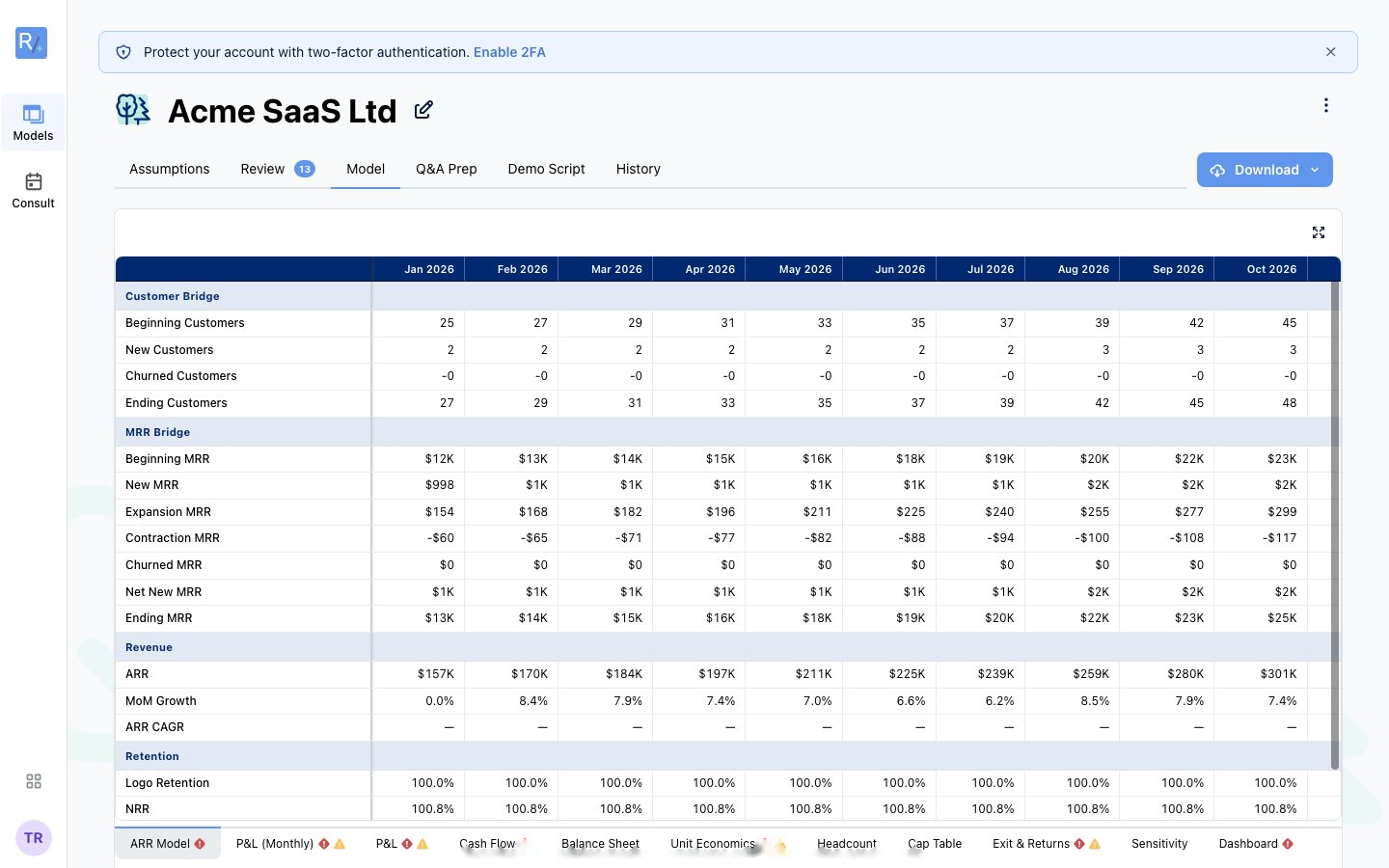 Figure 23: Prefer not to download? The Model tab browses the full spreadsheet in-app, sheet by sheet.
The workbook is formula-driven: change an assumption and the outputs update. Treat the Radley version as your source of truth. Re-download after any model change; the export is a snapshot, not a live link, so edits in Excel don't sync back.
The export gate
Every workbook includes a two-sided balance sheet with an explicit balance check. If your model's statements don't balance, Radley blocks the Excel export until you fix it. The Download button is disabled with a message pointing you to the Review tab. You cannot export a model whose statements don't balance.
Tip: Q&A Prep, the Investor Memo, Rehearsal, and the Sanity Report are in-app features, not downloadable documents.
Using your outputs for fundraising
Match the right material to the right moment:
| Meeting | Focus | Lead materials |
|---|---|---|
| Intro call (30 min) | High-level story | Your pitch deck; key metrics memorised; Q&A Prep reviewed |
| Partner meeting (60 min) | Deeper dive | Pitch deck + Investor Memo; Rehearsal practised |
| Financial deep dive | Detailed model review | Full Excel model, walked through systematically |
| Due diligence | Comprehensive review | Everything, organised in a data room |
Investor-ready checklist:
- Critical Review issues cleared; explanations ready for every Warning.
- Fresh Excel downloaded after your latest changes.
- Q&A Prep reviewed and Rehearsal practised out loud.
- Investor Memo read so you can tell the story without reading slides.
- Key metrics (runway, burn, LTV:CAC, growth) memorised.